Collect
Collect and track survey responses in one place
See who was invited, who answered, and what’s happening as your survey runs.

Type
a
message
or
try
/
for
quick
AI
commands
Specialist
Send
Distribution
Reach respondents anywhere
Share your survey by link, email, embed or QR code and start collecting responses.
Link
Share a simple link anywhere
Invite people by email and see who responded
Embed
Add surveys to your website or product
QR code
Let people scan to open it on their phone
Tracking
See where your
responses stand
Check completion and engagement across the responses you have collected.
Starts & finishes
See who started and who finished your survey
Responses
See each submission in your responses table
Completion
See how many respondents finished
Latest submissions
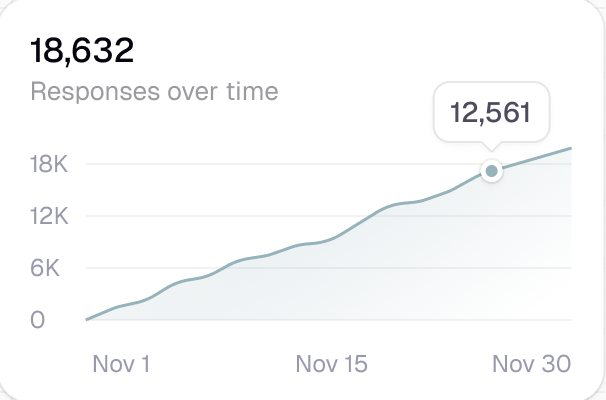
Refresh to see the newest submissions
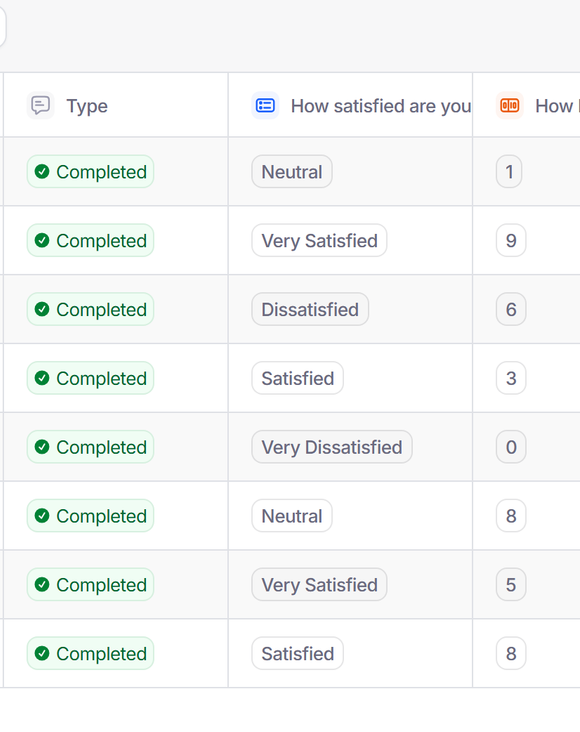
Responses table
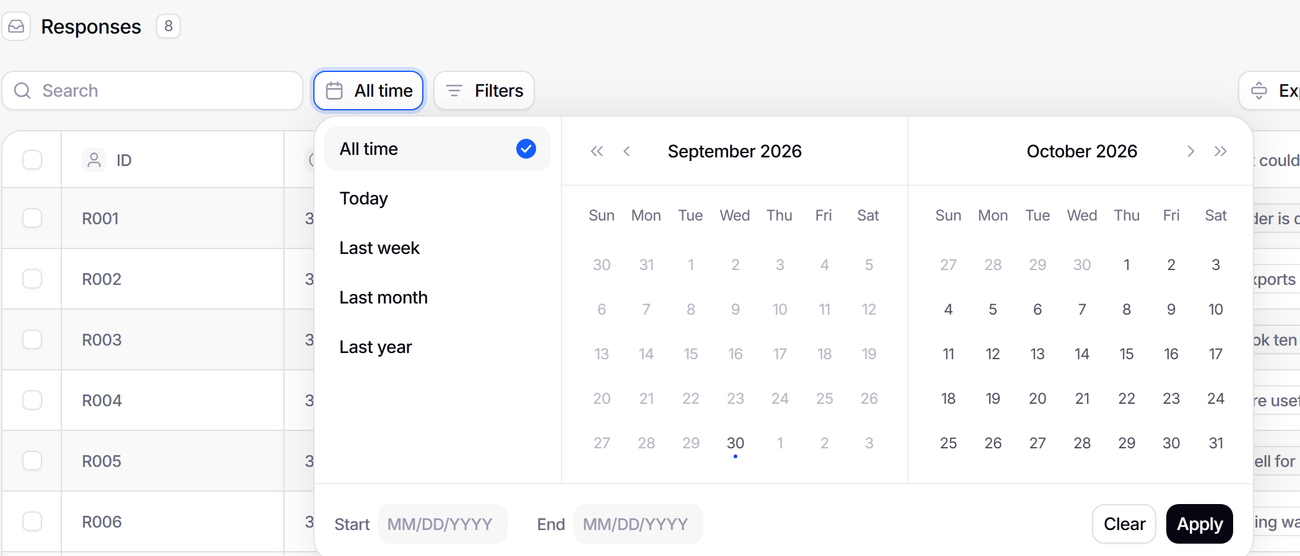
Search and filter every response
Browse all responses in one place without exporting data.
Structured data
Clean, organized responses ready to use
Filtering
Filter responses by what people answered
Full response view
See every answer in context
Search
Find a response by any value
Track
Track every respondent
Know who responded, who didn’t, and what they did.
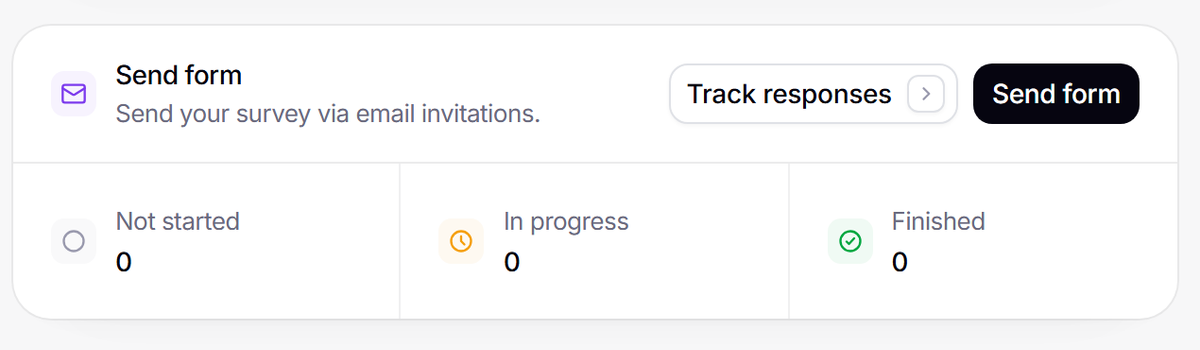
Invitation tracking
See who was invited, who started and who finished
Response status
Not started, in progress or finished
Submission times
See when each response was submitted
Context
Every response comes with context
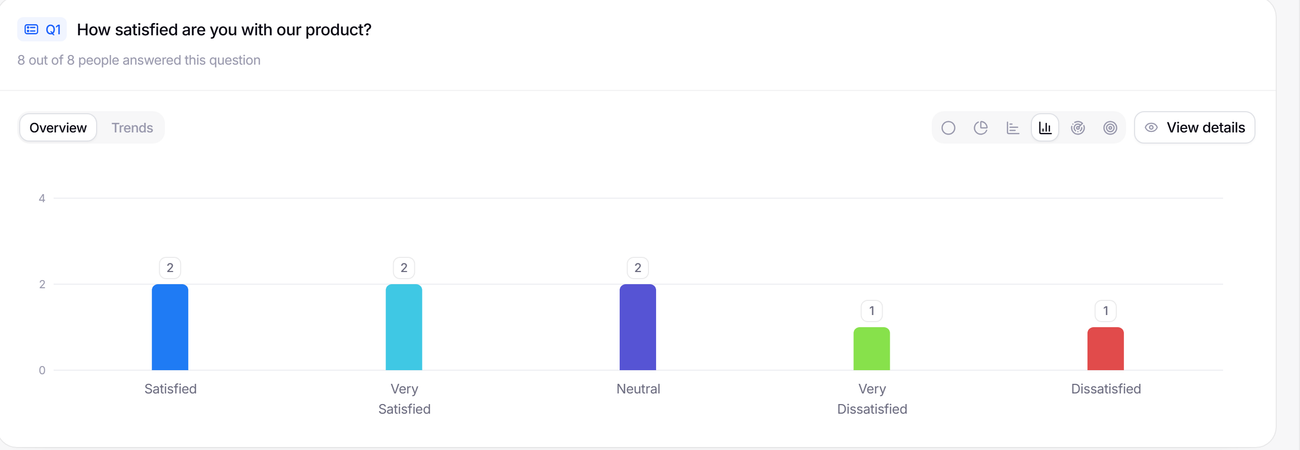
Go beyond answers. See which device, browser and country a response came from, and compare groups by what they told you.
Responses
What they said
Device & environment
Device, browser, OS and time zone
Profile / Demographics
Who they are, from the questions you ask
Metadata
Where and how they responded
Control
Stay in control
as you collect
Decide who can respond and when the survey closes.
Invitation only
Limit access to the people you invite
Close anytime
Stop collecting responses when you choose
Questions lock with the first response
Changing one closes the survey and starts a copy
Quality
Know when your
data is ready
Track completion and engagement before moving to analysis.
Partial responses
Coming soonKeep answers from people who started but did not finish (Validata+)
Response time
Coming soonFlag rushed or low-quality answers
Completion rate
Understand how many finish your survey
Response volume
See how many responses have come in
FAQ
Frequently Asked Questions
What Validata does differently, and what that means for your team.
Specialist AI analysts read every answer, group open-ended replies into themes with the quotes behind each one, and test every pattern. Every number is computed from your responses, and each finding carries a confidence score and links to the answers behind it. Every account, Free included, gets one free analysis, once, with at least 8 completed responses; more analysis needs Validata+.
You can share your survey with a link, email invitations or a QR code, or embed it on your website.
Yes. You can embed a survey on your website inline, as a popup, a slider or full screen.
Every plan includes a honeypot bot trap, a cap on responses per IP address and blocking of disposable email domains. Paid plans add CAPTCHA and one response per browser. More checks (IP reputation, geographic gating, referrer validation, and speeding and straightlining detection) are coming soon.
Yes. CSV export is available on every plan. Native app integrations are coming soon.

You’ve used forms before.
Now use insight.
You don’t need another tool for collecting responses. You need a smarter way to understand what they actually mean.