How to analyze NPS comments and choose what to investigate
In this article
- A worked example: twelve replies, two different counts
- Calculate NPS from every valid score
- Label the comment before you interpret the score
- Count themes within each score group
- Turn a repeated theme into a product investigation
- Use AI to suggest labels, then check the evidence
- Collect scores and explanations in Validata
A customer can give your product a 9 and still describe a broken export. Reading the score alone would miss the problem. Reading only the complaint would miss that the same person is willing to recommend you.
To analyze NPS comments, keep each explanation beside its original score, label the topics it mentions, and compare those topics across score groups. This guide gives product and UX teams a worked example, the counting rules behind it, and a way to turn the findings into an investigation.
A worked example: twelve replies, two different counts
These twelve fictional replies come from one customer NPS survey round. Each person appears once. People who gave a score saw the same optional follow-up: What is the main reason for your score? K skipped the score and answered a separate optional question: Is there anything else you'd like to tell us?
The review labels separate a topic from its tone. Positive means praise about that topic, negative means a problem or criticism, and neutral means a mention without either. A comment can have more than one label. General only means the answer gives no specific topic to investigate.
Scroll sideways to see all columns.| ID | Score | Comment | Review labels |
|---|---|---|---|
| A | 10 | Reports are easy to share. | Sharing: positive |
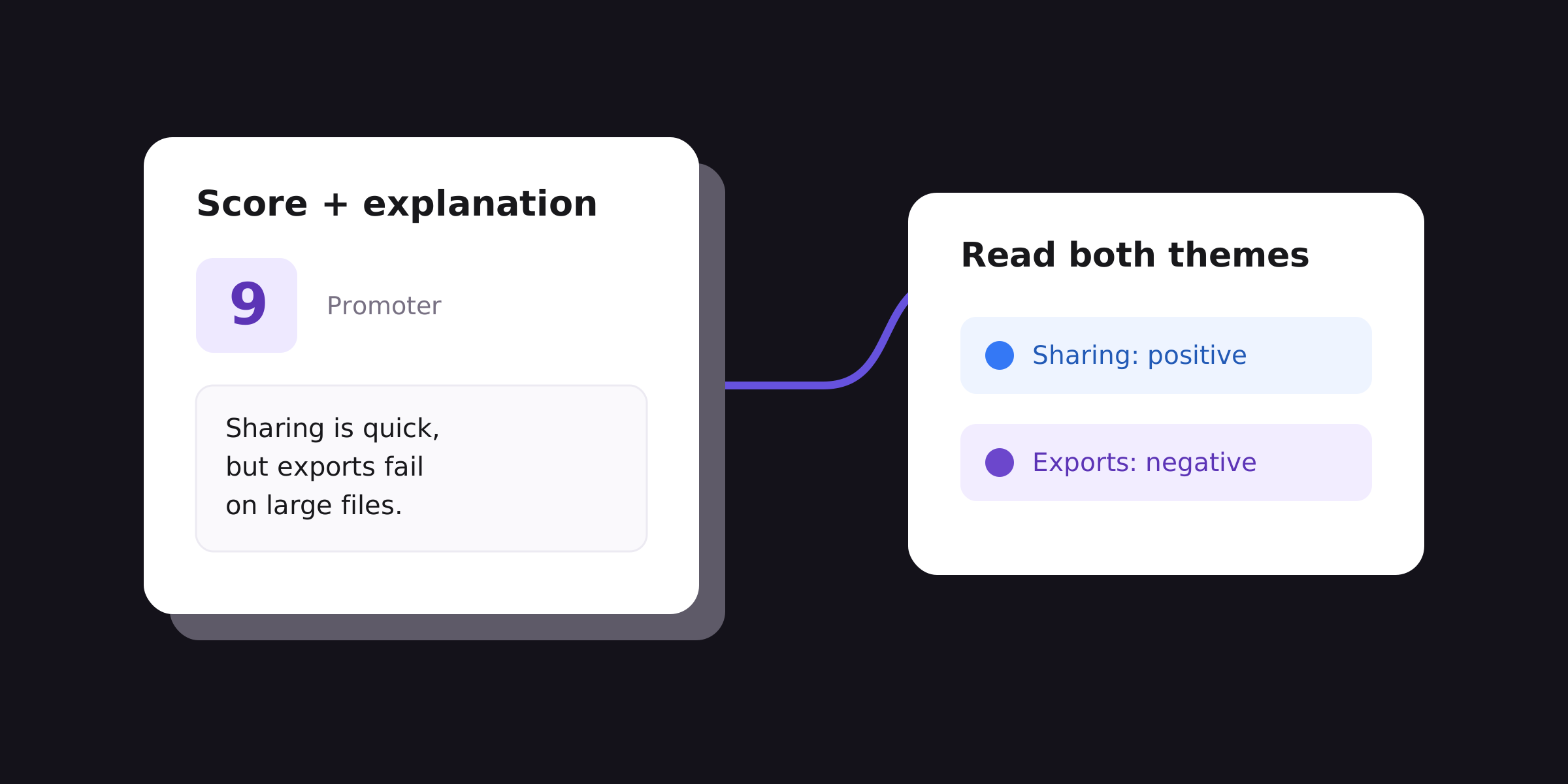
| B | 9 | Sharing is quick, but exports fail on large files. | Sharing: positive; Exports: negative |
| C | 9 | [blank] | No comment |
| D | 10 | Support explained the settings clearly. | Support: positive |
| E | 8 | Exports fail on large files. | Exports: negative |
| F | 7 | I export a report every Friday. | Exports: neutral |
| G | 8 | Fine. | General only |
| H | 6 | Export timed out; support took three days to reply. | Exports: negative; Support: negative |
| I | 4 | I couldn't give my teammate access. | Sharing: negative |
| J | 0 | [blank] | No comment |
| K | [missing] | I couldn't download the report. | Exports: negative; no score group |
| L | 11 [invalid] | Sharing with my team is easy. | Sharing: positive; no score group |
Download the example CSV to check the counts yourself. Blank score and comment cells are empty in the file; the table above labels them for readability. The file includes the original text, score status, score group, and separate theme labels.
Calculate NPS from every valid score
Bain's NPS definition groups 9–10 as promoters, 7–8 as passives, and 0–6 as detractors. Subtract the percentage of detractors from the percentage of promoters. Use all valid scores as the base, including passives and people who left no comment.
Scroll sideways to see all columns.| Group | Valid scores | Nonblank comments |
|---|---|---|
| Promoters: A–D | 4 | 3 |
| Passives: E–G | 3 | 3 |
| Detractors: H–J | 3 | 2 |
| Total | 10 | 8 |
Here, NPS = 100 × (4 − 3) ÷ 10 = +10. Report it as a score, not 10%. C and J still count even though their comments are blank. A score of zero is valid; a missing score is not zero. If there are no valid scores, report that NPS cannot be calculated.
K has no score, and L's 11 falls outside the 0–10 scale. Keep both comments available for a separate qualitative review, but exclude these records from NPS and the promoter/passive/detractor comparison. Check the source for a recording error before correcting a value. Never infer a score from the wording or silently turn 11 into 10.
For your own data, preserve a raw copy and define who belongs in the survey round before counting. Remove test submissions and confirmed duplicates under a documented rule. If you invited several people from one account, decide whether the report describes people or accounts; do not switch units halfway through.
Label the comment before you interpret the score
Start with the words customers used. Write down what each topic label includes so another reviewer can apply it consistently. These are the boundaries used in the example:
Scroll sideways to see all columns.| Topic | Include | Keep separate |
|---|---|---|
| Exports | Creating or downloading a report file, including failures and neutral descriptions of use. | Giving a teammate access to a report. |
| Sharing | Giving other people access or sharing a report with them. | Downloading a file without mention of another person. |
| Support | Help received from the support team, including clarity and response time. | A product problem with no mention of support. |
B gets two labels because it praises sharing and criticizes exports. H also gets two: an export failure and a slow support reply. F mentions exports without judging them, so its tone stays neutral. G's Fine stays General only; it does not establish that sharing, exports, or support worked well.
Keep score group and comment tone in separate fields. B remains a promoter with an export complaint. E remains a passive with an export complaint. Assigning every promoter a positive comment label would erase information the team needs.
Try the labels on an initial checking sample, resolve disagreements, and then apply the revised definitions to the full set. Revisit earlier labels whenever a definition changes. Keep blank, unclear, and general-only answers distinguishable; none should be forced into a specific topic.
Our open-ended survey response analysis guide covers the full labeling workflow and spreadsheet mechanics. Use it when setting up your first analysis sheet.
Count themes within each score group
For this comparison, the base is the eight nonblank comments attached to valid scores. That includes G's General only answer. Count a topic at most once per comment, even if the person mentions it several times. Count all its tones when reporting topic mentions; count only negative labels when reporting complaints.
Scroll sideways to see all columns.| Topic | Promoters | Passives | Detractors | All scored comments |
|---|---|---|---|---|
| Exports | 1 of 3 | 2 of 3 | 1 of 2 | 4 of 8 |
| Sharing | 2 of 3 | 0 of 3 | 1 of 2 | 3 of 8 |
| Support | 1 of 3 | 0 of 3 | 1 of 2 | 2 of 8 |
Exports appears in B, E, F, and H: four of eight scored comments. Only B, E, and H describe an export problem. F's neutral mention belongs in the topic count but not the complaint count. K describes another export problem, but its missing score keeps it outside this comparison. L's sharing comment is also reviewed separately.
The topic counts sum to nine because B and H each mention two topics. Seven scored comments contain a specific topic; G contains none. Together with the two scored blank comments and the two records without valid scores, all twelve records are accounted for.
Show the counts behind a percentage. With only two detractor comments, one mention would be 50%; that is a reason to read the answers, not evidence of a stable pattern across detractors. These fictional records demonstrate the method, not a benchmark or a statistical comparison.
People who write comments may differ from those who only give a score or ignore the survey. AAPOR's survey guidance explains why response patterns and sampling matter. Describe theme shares as shares of the comments you analyzed, rather than shares of your entire customer base.
Turn a repeated theme into a product investigation
In the example, exports deserve a closer look: B and E mention large files, while H reports a timeout without naming a file size. Start by reproducing the large-file problem. Check H's case separately before assuming the same cause. K adds a download complaint whose cause and score are unknown.
Write an investigation note that another person can act on:
- Observation: three of eight scored comments report export problems, across all three score groups. Two explicitly mention large files.
- Evidence: retain IDs B, E, and H with their original wording; keep K as separate unscored feedback.
- Owner and check: ask the person responsible for exports to reproduce failures using appropriate, nonconfidential test files and review relevant error records.
- Decision: use the investigation to choose a fix or further research. Verify the affected export task after a change, then track comparable feedback in later rounds.
Mention frequency can help choose what to examine, but severity matters too. I's inability to give a teammate access may block their work even though it appears once. A serious security or accessibility concern also deserves review without waiting for a large count.
Keep the question, timing, audience, and label definitions comparable when looking across survey rounds. If they change, record the change and avoid treating the figures as directly equivalent. An NPS increase after a product fix does not, by itself, establish that the fix caused it.
Use AI to suggest labels, then check the evidence
For a large set of comments, AI can help propose topics or apply a draft codebook. Ask it to retain the response ID, show the words supporting each label, and leave unclear cases unresolved. Calculate NPS from validated numeric scores separately; an inferred sentiment score must never replace a customer's answer.
Check the suggestions against the original comments. Include a random sample across score groups as well as mixed, neutral, unclear, and unusual answers. For a set as small as this example, check every row. A sample helps assess the labeling process; final totals must come from the full eligible set after corrections.
Before using any external analysis tool or sharing quotations, remove unnecessary identifiers and check the free text for names, account details, or confidential information. Follow your organization's rules for handling that data. Keep any permitted link back to a respondent in a restricted working file, rather than a shared presentation.
Collect scores and explanations in Validata
Use Validata's NPS form builder to ask for a 0–10 recommendation score and a written explanation. Use the same optional follow-up for everyone who provides a score: What is the main reason for your score? Keeping the wording consistent makes the answers easier to compare.
If someone skips the score, skip that score-specific follow-up too. An optional general feedback question can still collect their experience, but keep those comments separate from score-group comparisons. Preview both the scored and skipped paths before sharing the survey.
Validata combines survey creation with response analysis for product and UX teams. Collect the score and the explanation together so your team has both when deciding what to investigate.

You’ve used forms before.
Now use insight.
You don’t need another tool for collecting responses you need a smarter way to understand what they actually mean.