1.1
Start with a template
Pick from curated designs. Modern, minimal, or bold. Customize from there.
The AI survey platform that writes like a specialist, and analyzes like a team of data analysts, helping you understand your feedback.
Teams using Validata
Methods
Reach people on your website, in emails, or inside your app, then turn them into clear insights, segments, and decisions.
1.1
Capture feedback from visitors while intent is still fresh.
1.2
Send branded surveys directly to the people you already reach.
1.3
Ask users in context and understand behavior as it happens.
Create
From AI-generated drafts to branded themes and conditional logic. Validata builds surveys that are smarter by design.
1.1
From rating scales to file uploads,
signatures, and matrix grids.
Describe what you need and Validata generates pages, questions, and logic. Ready in seconds.
1.2
Surveys drafted with marketing instincts. Hooks that get answers.
Type
a
message
or
try
/
for
quick
AI
commands
Specialist
Send
1.4
Pick a template, customize colors, fonts, and backgrounds. Or start from scratch.
Logo
AaBb
Font
Color
Gradient purple
Template
1.3
App integrations are coming soon.
Export responses as CSV today.
Coming soon
Collect
Send surveys across channels, track engagement in real time, and keep responses in one place. Response limits depend on your plan.
2.1
See who opened, answered, or dropped off. Live updates, never guess again.

2.2
Link, email, embed, QR code. Reach respondents on any channel.
2.3
Every response plotted the moment it lands.
Validate
Get ready insights from your responses or refine them using filters.
Every response meets an army of AI data analysts. Analysts read, statisticians test, reviewers reject what the data can't back.
Use cases
From quick pulse checks to full research studies, Validata adapts to your workflow, not the other way around.
Quickly build surveys to test new features, prototypes, or UX flows. Get insights directly from users before investing in development.

Validated insight
Users understand the flow, but 38% hesitate at the pricing step.
Source: 42 responses
Quickly build surveys to test new features, prototypes, or UX flows. Get insights directly from users before investing in development.
Template builder
Full creative control over every visual detail.
No design skills required.
1.1
Pick from curated designs. Modern, minimal, or bold. Customize from there.
1.2
Set title, description, and answer fonts independently. Import any Google Font.
Aa
Geist
1.3
Accent, indicators, hover states, badges. One system, total control.
#6C04CF


Response quality system
Validata blocks bots and duplicate submissions before the first answer, with CAPTCHA and duplicate prevention on paid plans. Checks during and after responses, and panel quality, are coming soon.
01
This is the first line of defense in the Validata stack.
CAPTCHA
Asks respondents to prove they're human.
Honeypot fields
Invisible fields catch bots that fill everything.
Disposable email blocking
Blocks temp-mail and throwaway domains.
IP reputation scoring
Coming soonFlags VPNs, datacenter IPs, and Tor exits.
Browser fingerprinting
Coming soonDetects headless browsers and automation tools.
Response limits
One response per browser, and a cap per IP address.
Geographic gating
Coming soonKeeps region-specific surveys within target markets.
Referrer validation
Coming soonRejects invalid access paths for emailed surveys.
Integrations · Coming soon
The workflows below are previews, not available connections. Export responses as CSV to use your data in other tools today.
Slack
Send new response alerts to Slack
Not available yet. Workflow preview: Every new survey response can trigger a Slack notification, so your team sees new feedback without checking the dashboard.
Share low completion warnings
Not available yet. Workflow preview: Alert your team when survey completion drops below a selected threshold.
Send campaign launch updates
Not available yet. Workflow preview: Post a Slack update when a new survey email campaign is sent through Mailchimp.
Notify the team when a survey is completed
Not available yet. Workflow preview: Send a message to your team when a respondent finishes the survey.
Zapier
Connect survey responses to your tools
Not available yet. Workflow preview: Use Zapier to send new survey responses to the apps your team already uses.
Create tasks after new submissions
Not available yet. Workflow preview: Automatically create a task or database item when a new response is submitted.
Save files to cloud storage
Not available yet. Workflow preview: Automatically save exports, attachments, or uploaded files to your preferred storage tool.
Add respondents to mailing lists
Not available yet. Workflow preview: Send respondents into the right Mailchimp audience after they complete a survey.
Google Drive
Save survey exports to Google Drive
Not available yet. Workflow preview: Store CSV, PDF, or spreadsheet exports in a selected Google Drive folder.
Keep uploaded files organized
Not available yet. Workflow preview: Save respondent uploads and survey files in one shared Drive location.
Share survey assets with the team
Not available yet. Workflow preview: Send a Slack message when new survey files are added to Google Drive.
Store campaign materials
Not available yet. Workflow preview: Keep email assets, survey links, and campaign files organized in Drive.
Dropbox
Back up survey exports to Dropbox
Not available yet. Workflow preview: Automatically save exported survey files to a selected Dropbox folder.
Organize project folders automatically
Not available yet. Workflow preview: Create or update Dropbox folders when a new survey project is created.
Share files with stakeholders
Not available yet. Workflow preview: Notify a Slack channel when new survey files are available in Dropbox.
Store respondent uploads
Not available yet. Workflow preview: Send uploaded files from survey responses directly to Dropbox.
ChatGPT
Draft follow-up emails from responses
Not available yet. Workflow preview: Use respondent answers to generate personalized follow-up emails after the survey is completed.
Personalize respondent communication
Not available yet. Workflow preview: Adapt email copy, reminders, or next-step messages based on selected answers or respondent details.
Write reply drafts for specific feedback
Not available yet. Workflow preview: Turn individual survey responses into ready-to-send reply drafts for your team to review.
Create thank-you messages for respondents
Not available yet. Workflow preview: Generate custom thank-you messages based on how someone answered the survey.
Mailchimp
Add respondents to Mailchimp
Not available yet. Workflow preview: Send completed survey respondents to a selected Mailchimp audience.
Trigger follow-up emails
Not available yet. Workflow preview: Start an email sequence after someone completes your survey.
Send survey invitations
Not available yet. Workflow preview: Distribute survey links to selected audiences directly through Mailchimp campaigns.
Segment contacts by response
Not available yet. Workflow preview: Group respondents based on selected answers, scores, or form fields.
Google Sheets
Save responses in Google Sheets
Not available yet. Workflow preview: Every new survey response is automatically added to a Google Sheet for easy analysis and reporting.
Update team trackers
Not available yet. Workflow preview: Notify your team when a shared response tracker receives new submissions.
Sync response data for operations
Not available yet. Workflow preview: Send survey data into operational spreadsheets used by sales, research, or support teams.
Keep live response records
Not available yet. Workflow preview: Maintain a live spreadsheet with respondent details, answers, and submission time.
Notion
Save responses to Notion
Not available yet. Workflow preview: Send new survey responses into a Notion database for easy organization.
Create feedback records
Not available yet. Workflow preview: Turn each submitted response into a structured feedback item in Notion.
Track research projects
Not available yet. Workflow preview: Link survey files, project notes, and response exports inside your Notion workspace.
Notify teams about new entries
Not available yet. Workflow preview: Send a Slack update when a new survey response is added to a Notion database.
FAQ
What Validata does differently, and what that means for your team.
Validata is a survey and insights platform that combines an AI-powered survey builder with a verified analysis engine. It helps you create surveys, collect responses, and turn feedback into structured insights.
Validata uses AI to analyze survey responses, detect patterns, and group similar answers into clear insights. Each insight is based on real responses and evaluated with a confidence score.
Yes. Describe what you want to learn and the AI builder drafts the questions for you. You can edit, expand, or customize every question. AI survey building is part of the paid plans.
Validata never asks you to take a number on trust. AI analysts read the answers, but every figure is computed from your responses by code, never invented. Each finding carries a confidence score and links to the answers behind it, reviewers block any claim the data can’t support, and small samples are flagged instead of overstated.
Yes. Validata offers a free plan with unlimited forms, 50 responses in total per account, one free analysis, and 50 one-time credits. Validata+ adds higher response limits and advanced AI features.
Validata builds the survey, collects the responses and analyzes them in one product, so you start from themes and findings instead of reviewing every response by hand. You can start with unlimited forms on the free plan and upgrade for higher response limits.
You can share your survey using a public link, email invitations, QR codes, or by embedding it on your website. Validata supports multiple distribution channels.
Yes. You can embed surveys using a simple script and display them inline, as a popup, or as a full-page experience on any website.
App integrations are coming soon on Validata+. You can export responses as CSV on the free plan to use your data in other tools.
Guides
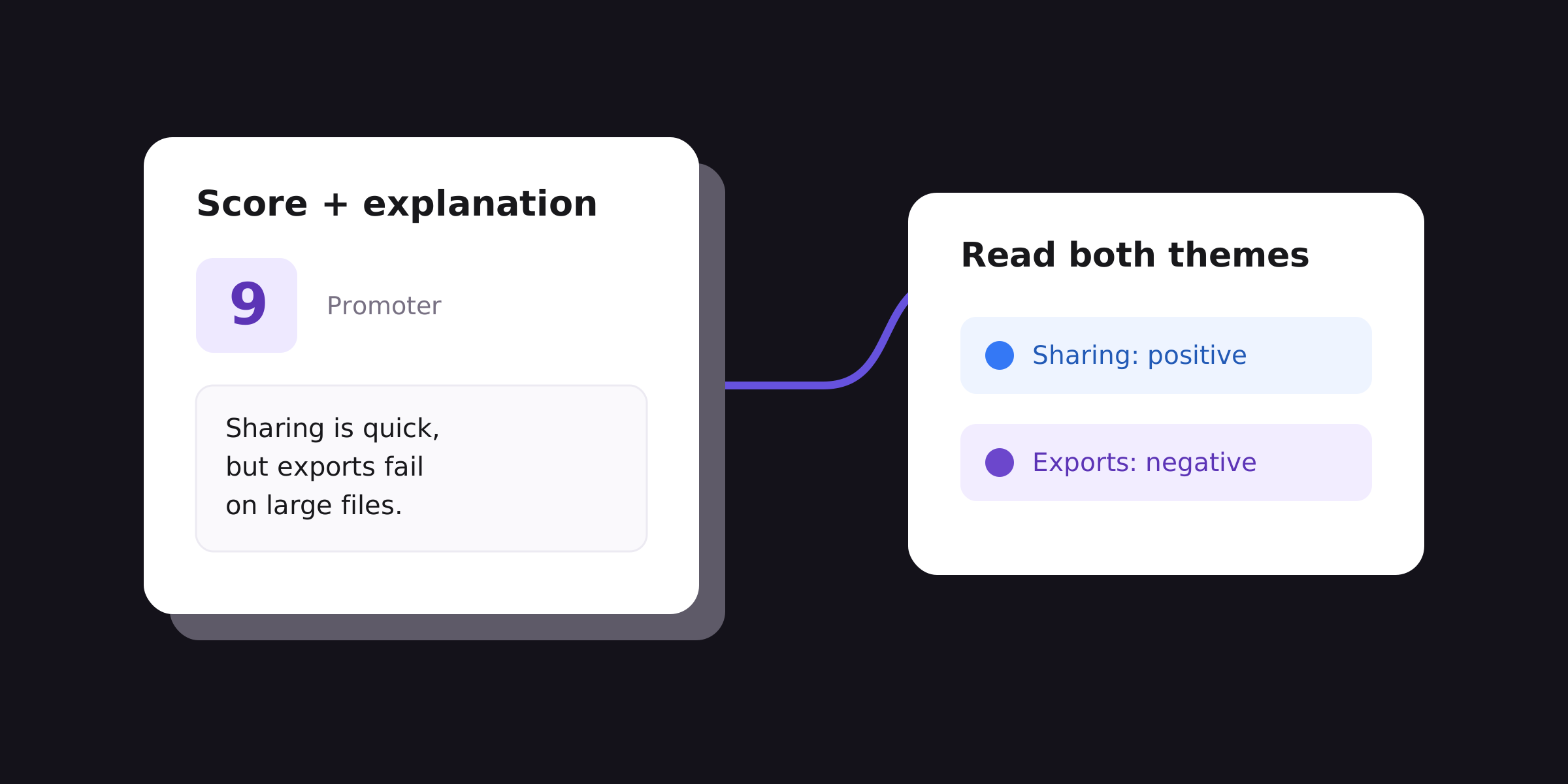
Analyze NPS comments by theme and score group, handle missing answers, and choose a product investigation. Includes a worked example and downloadable data.
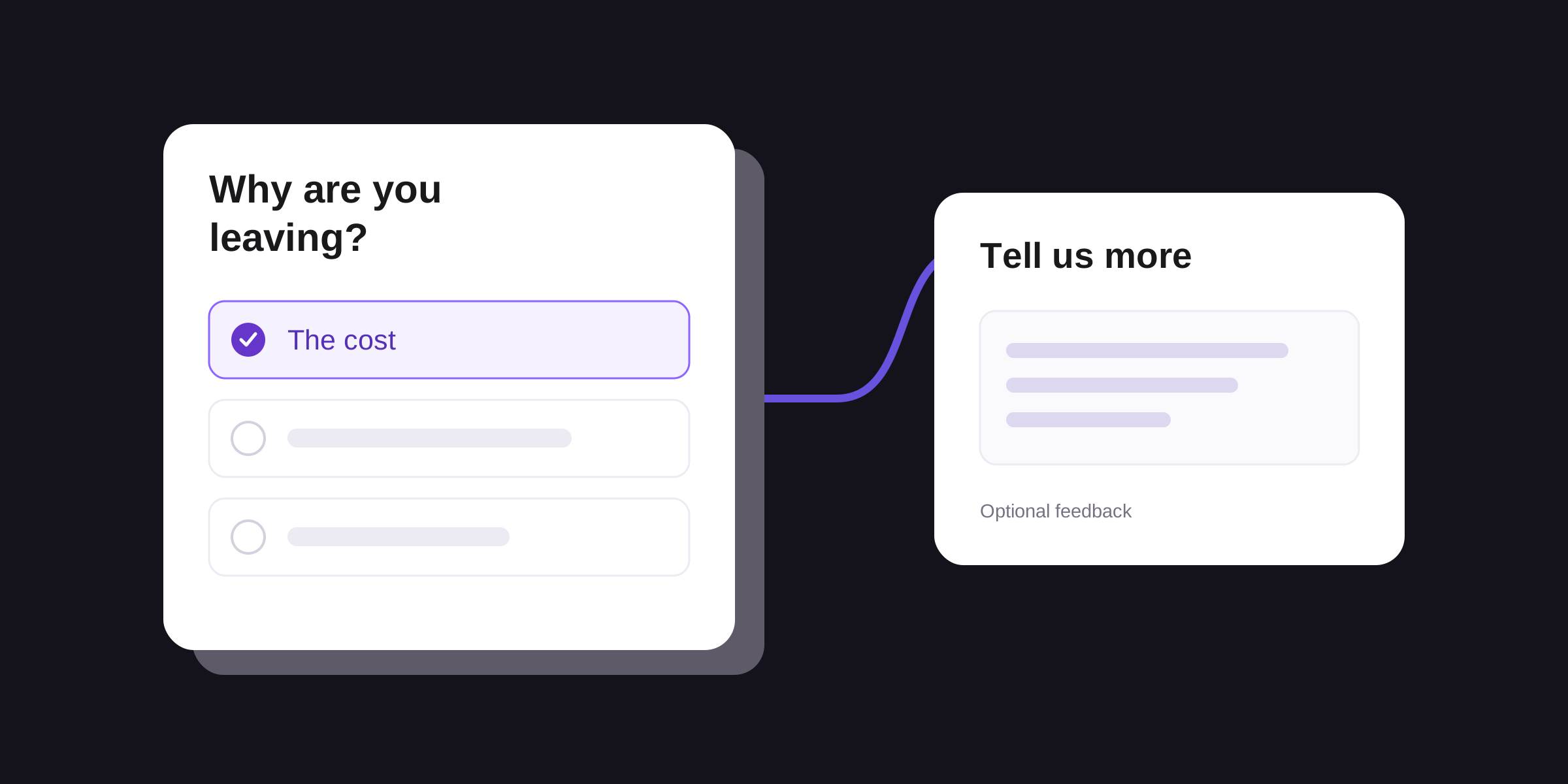
Use two optional cancellation survey questions, choose relevant follow-ups, and turn SaaS exit feedback into a specific product investigation.
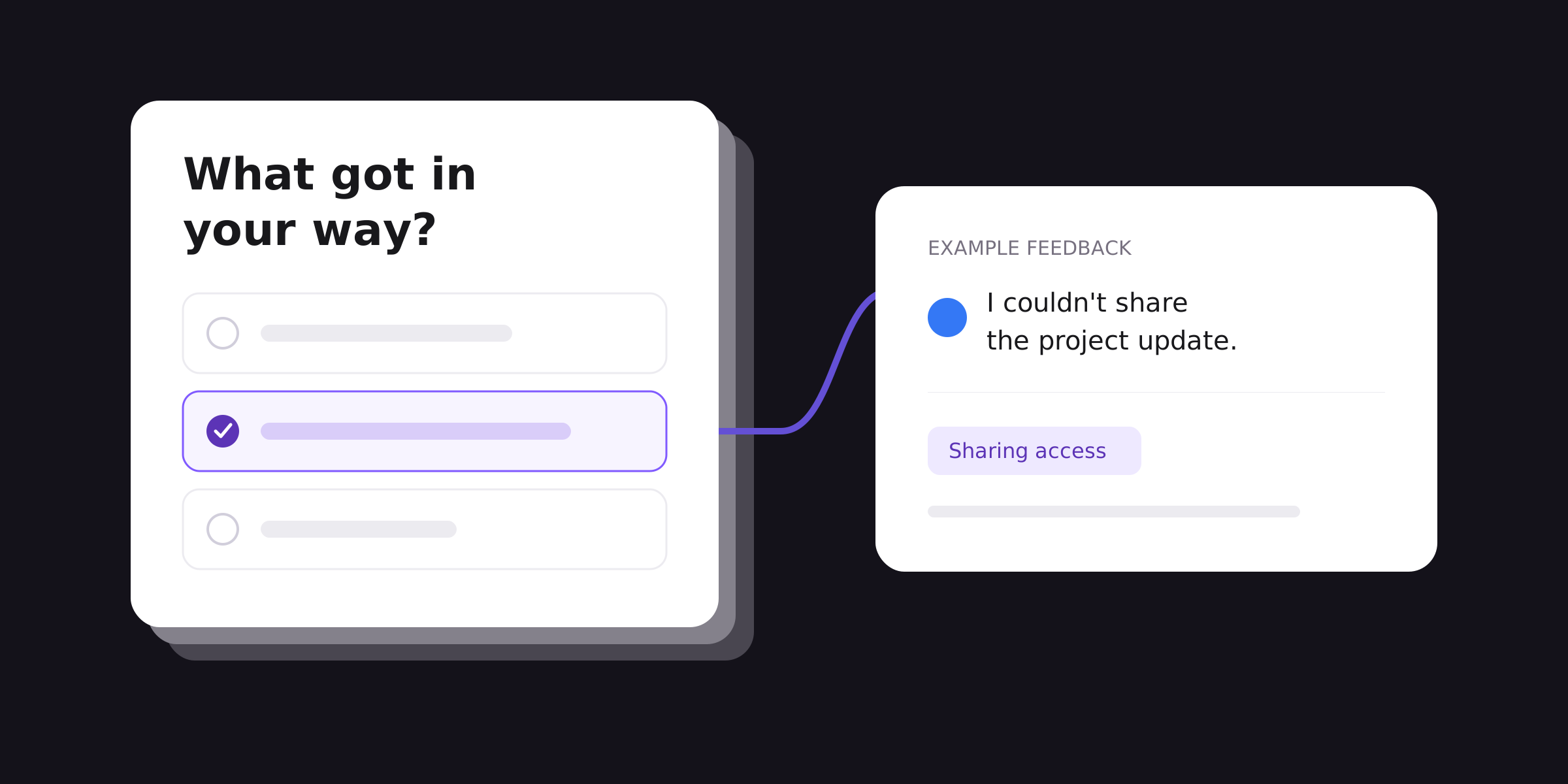
Choose product feedback survey questions, adapt a five-question survey, and use the responses to decide what to investigate in your SaaS product.

Group open-ended survey responses, check overlapping counts, and choose what to investigate. A practical example for product and UX teams.

Use 12 customer onboarding survey questions to find where SaaS customers get stuck, choose relevant follow-ups, and decide what to investigate.
Create user feedback surveys for features, prototypes, and onboarding. Use Validata’s AI survey writing and response analysis to inform product and UX choices.

You don’t need another tool for collecting responses you need a smarter way to understand what they actually mean.